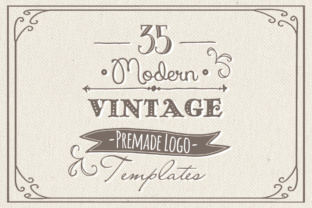
35 Hand Drawn Logos: Customizable Creative Templates
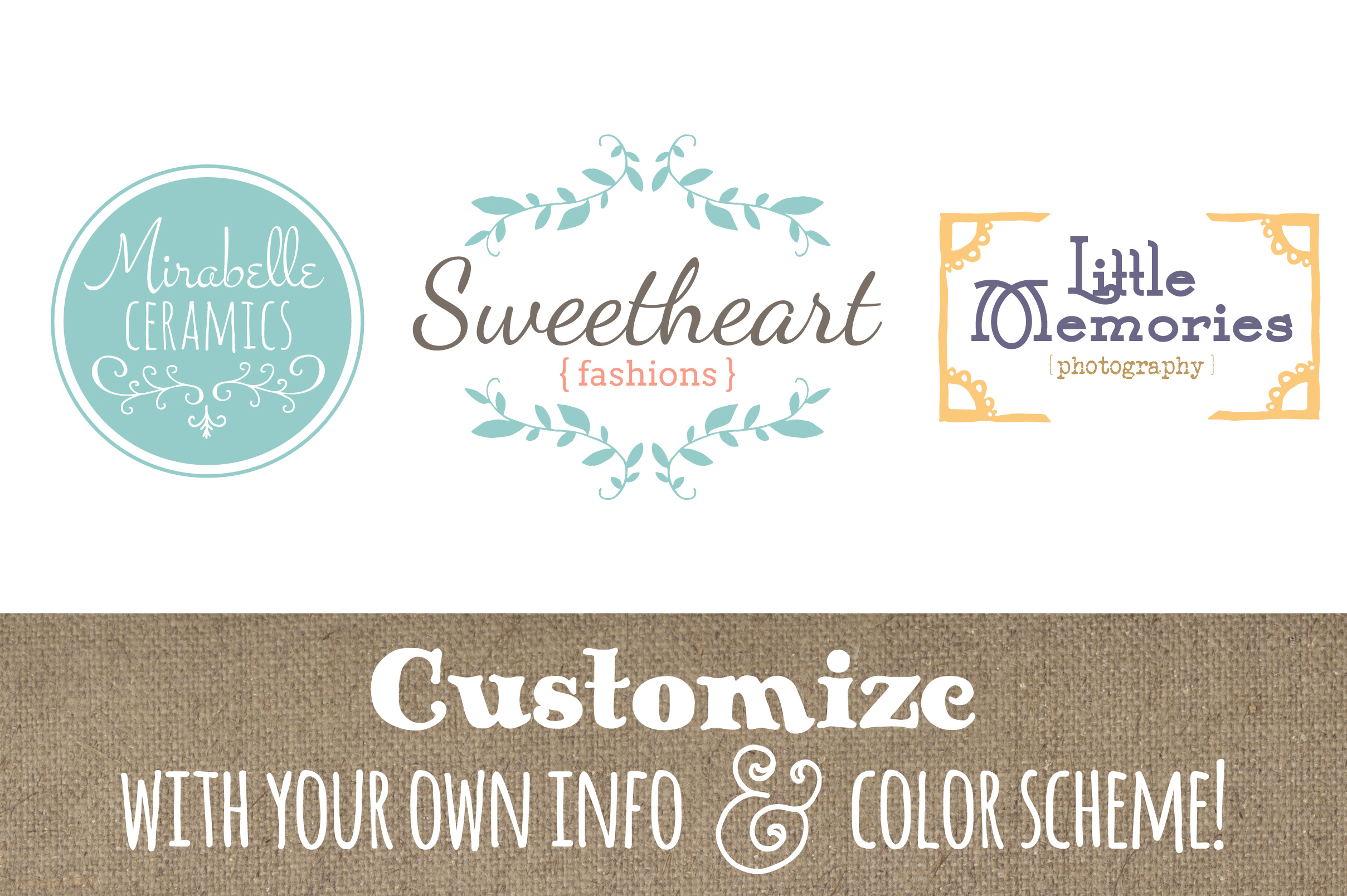
When you need a distinctive logo but don’t have unlimited time or a dedicated design team, ready-made templates can be a practical solution. The 35 Hand Drawn Logos bundle offers a collection of hand-drawn, customizable templates designed to help you create a polished brand identity without starting from scratch. Whether you’re an entrepreneur launching a side project, a freelancer updating your visual identity, or a marketer looking for consistent assets, these templates give you a solid foundation that you can tailor to your specific needs.
Why Consider Hand Drawn Logo Templates for Your Brand
A logo often forms the first impression of your business or personal brand. Hand drawn styles carry warmth, authenticity, and a sense of craftsmanship that can stand out in a sea of generic designs. The 35 Hand Drawn Logos bundle taps into this aesthetic, offering a range of unique motifs that feel personal and approachable. Instead of spending hours sketching, tweaking vectors, or struggling with design software from scratch, you can start with a professionally illustrated template and focus on the aspects that matter most for your brand: color, typography, and messaging.
For small business owners, bloggers, educators, and hobbyists, this approach saves considerable time and reduces the initial creative block. You don’t need to be a trained illustrator to end up with a logo that looks intentional and refined. The templates are particularly useful when you need multiple logo variations for different uses—such as social media profiles, website headers, business cards, or merchandise—without having to commission a designer for each format.
What’s Inside the 35 Hand Drawn Logos Bundle
The bundle is organized to give you flexibility regardless of your preferred editing environment. It includes:
- Vector files (7 AI and 7 EPS sets) – all 35 logos are grouped into seven sets, fully editable in Adobe Illustrator, Photoshop, or compatible programs. The files are layered and labeled, making it easy to isolate elements like backgrounds, illustrations, or text layers.
- Photoshop files (35 individual PSDs) – each logo as a separate layered file, ready for editing in Photoshop or Photoshop Elements 2 and above.
- Extras – a PDF Font Guide that lists the free fonts used in the templates, along with download links. This saves you from guessing which typefaces pair well with the hand drawn illustrations.
Because the files come in both vector and layered raster formats, you can work with the tool you’re most comfortable with. If you prefer free software like GIMP or Inkscape, the EPS files can be imported there as well, though you’ll want to confirm compatibility with your specific version. The bundle assumes you have basic skills in a graphics editing program—things like selecting layers, changing colors, and editing text. That’s all it takes to get a customized result.
How the Templates Help Streamline Your Logo Design Process
Starting with a blank canvas can be intimidating, especially if you have multiple projects competing for attention. The 35 Hand Drawn Logos bundle removes the initial hurdle by providing a curated set of design directions. You can browse the options, pick one that aligns with your brand’s personality, and then customize the text, colors, and background to match your vision. The steps are straightforward:
- Download and install the free fonts listed in the Font Guide.
- Open the logo file of your choice in your editing program.
- Edit the placeholder text with your business or brand name, and tweak the tagline if provided.
- Adjust colors—both of the illustration and the background—to fit your brand palette.
- Export the finished file as a JPEG (or another format suitable for your use).
This workflow means you can go from template to final asset in a single sitting. For a freelancer who needs a quick logo for a client project, or a blogger who wants to refresh their header over a weekend, the efficiency is a real advantage. You’re not locked into any one layout either; because the vectors are fully editable, you can modify shapes, reposition elements, or combine motifs from different logos if you have the skills to do so.
Who Benefits Most from Hand Drawn Logo Templates
The value of this bundle depends on your situation and comfort level with design software. It’s especially practical for:
- Small business owners who need a professional-looking logo on a tight budget or timeline. Instead of multiple rounds with a designer, you can produce something yourself and iterate quickly.
- Marketers and content creators who manage brands across different platforms. Having a hand drawn style can make social media graphics, email headers, and video thumbnails feel more cohesive.
- Freelancers and consultants who want to establish a personal brand without hiring a specialist. The templates give you a starting point that you can refine as your business grows.
- Educators and hobbyists who lead clubs, courses, or community projects. A charming, hand drawn logo can add warmth to event flyers or teaching materials.
That said, if your brand requires a highly unique, bespoke illustration with a very specific concept, a template may only take you part of the way. The 35 Hand Drawn Logos bundle covers a range of themes—think nature, food, creative arts, and everyday objects—but it won’t include every niche. It’s wise to browse the previews before purchasing to ensure the styles resonate with your brand’s identity. For many users, the mix of motifs provides enough variety to find a fitting match, and the editability allows you to tweak details to make it your own.
Practical Tips for Getting the Most Out of the Bundle
To maximize the value of these templates, consider a few thoughtful steps:
- Review the Font Guide first. The free fonts listed are integral to the look of each logo. Installing them before you start editing means your text will render correctly, and you can match the intended style without extra troubleshooting.
- Experiment with color combinations. Hand drawn logos often pair well with muted or earthy tones, but don’t be afraid to test bolder palettes if that fits your sector. Because the files are layered, you can change the illustration color independently from the background.
- Use the vector files for scaling. If you plan to print the logo on large signage or merchandise, the AI or EPS format ensures it stays crisp at any size. The Photoshop files are great for digital use and quick mockups.
- Keep a backup of the original template. Before making edits, save a copy of the untouched file. This lets you start fresh if you want to try a different direction later.
If you’re new to editing layered files, start with the PSD versions and explore the layer panel. Most programs let you lock layers you don’t want to accidentally move, which simplifies the process. The included files are organized logically—text layers are typically labeled, and background elements are grouped separately.
Turning a Template Into a Distinctive Brand Asset
A template is only a starting point, but with a few customizations, you can develop a logo that feels specific to your brand. The 35 Hand Drawn Logos give you a consistent foundation: all 35 share a hand drawn aesthetic, so if you choose one and later need a secondary version for a sub-brand or seasonal promotion, you can pick another in the same bundle and maintain visual continuity. For example, a coffee shop might use a coffee cup illustration for the main logo and a pastry icon for a complementary product line, both drawn in a similar sketchy style.
Because the templates are vector-based, you can also adjust the line weights or simplify details if the original illustration feels too busy for small applications like social media icons. This level of control is what makes the bundle practical for users who want more than a simple text swap—they want to fine-tune the design until it truly represents their voice.
Final Thoughts on Using Ready-Made Logo Templates
Streamlining your logo design doesn’t mean sacrificing quality or originality. The 35 Hand Drawn Logos bundle offers a middle path: you get professionally crafted illustrations that you can adapt to your needs, without the expense or turnaround time of a fully custom job. It’s especially well-suited for entrepreneurs, freelancers, and small teams who value efficiency but still want a logo that feels personal and approachable.
That said, be honest about your comfort level with editing software. If you can open a PSD or AI file, change text, and pick colors from a palette, you’ll find the process smooth and rewarding. If you’re starting from scratch, the free resources like GIMP and Inkscape can get you there, but plan a little extra time to learn the basics. The included Font Guide eliminates one common frustration, so you can focus on the creative decisions that make the logo yours.
With 35 designs to choose from, the bundle gives you room to explore different looks without committing to a single direction. Whether you need a logo for a new venture or want to refresh your current one, these templates provide a practical, enjoyable way to move from idea to finished design in a few simple steps.