Luria Logo Template: Flexible Design for Personal Branding
Creating a visual identity that feels both professional and personal can be a challenge, especially if you do not have a background in graphic design. The Luria Logo Template offers a practical starting point for anyone looking to build a brand without starting from a blank canvas. Whether you are launching a small business, building a creative portfolio, or refreshing your online presence, this template provides a structure you can adapt to match your vision.
What Makes the Luria Logo Template Stand Out
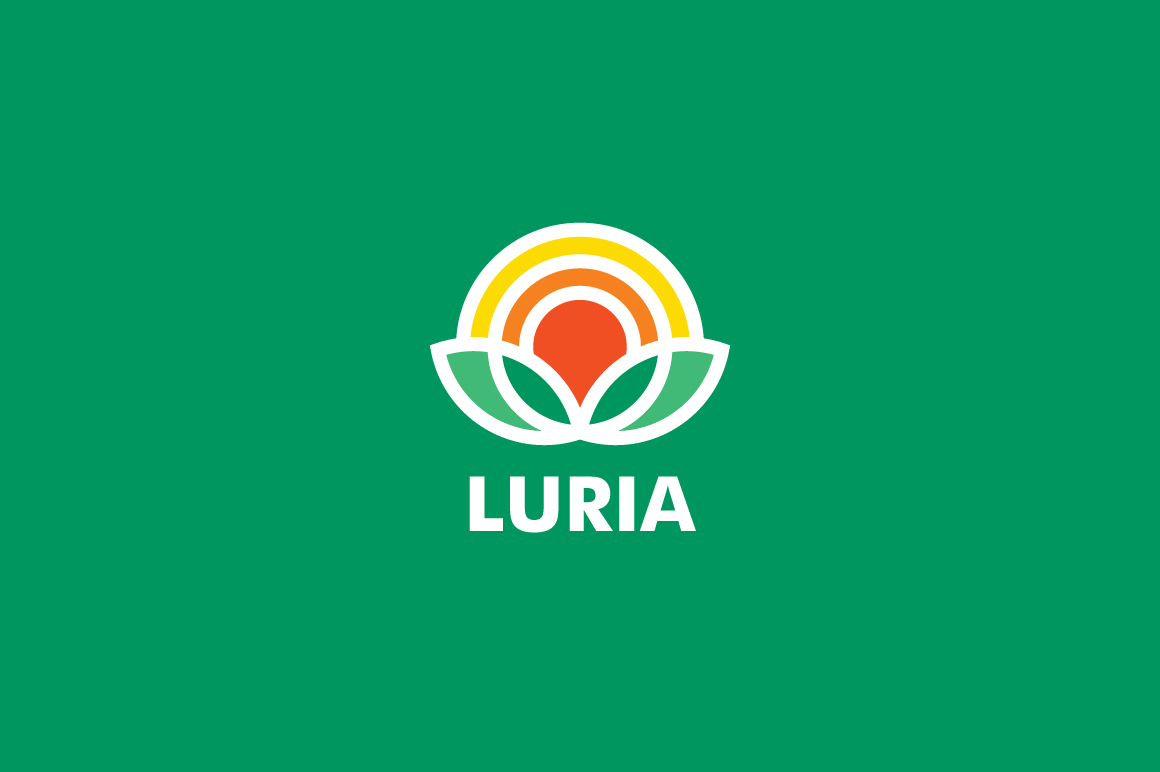
At its core, this template is a pre-designed logo layout that you can modify to suit your needs. The design leans toward a modern, artistic feel, which makes it especially appealing for musicians, record labels, podcasters, and visual artists. However, the flexibility built into the template means it can work just as well for a freelance consultant, a boutique shop, or a blogger building a personal brand.
The template comes in several formats: an editable AI file for Adobe Illustrator, an EPS file for vector editing, and a PSD file for Photoshop users. This variety means you can work in the software you are most comfortable with. The file includes layers, grouped elements, and organized folders, so you are not hunting through a mess of unnamed layers just to change a color.
Key Characteristics That Matter
One of the first things you will notice is the attention to print readiness. The template uses CMYK color mode, which is the standard for professional printing. Combined with a 300 dpi resolution, your logo will look sharp on business cards, product packaging, apparel, and flyers. You do not have to worry about pixelation or color shifts when moving from screen to print.
Another practical feature is the easy customization. You can adjust colors, resize elements, change shapes, edit text, swap font types, and reposition components without breaking the design. This level of control is useful if you want to maintain a consistent brand feel across different platforms while still making each version feel intentional.
Who Can Benefit from Using This Template
Because the Luria Logo Template is designed to be modified, it suits a wide range of users. Beginners who have never opened design software can still achieve professional results by following a few basic steps. More experienced creators can push the template further by adding their own elements or completely reimagining the layout.
- Artists and musicians – The built-in aesthetic works well for album art, social media profiles, merchandise, and promotional materials. You can keep the original style or tweak it to reflect your genre.
- Podcasters and content creators – A consistent logo helps your audience recognize your work across YouTube, Spotify, Instagram, and your website. The template makes it easy to create variations for different platforms.
- Small business owners – Whether you run a coffee shop, a consulting practice, or an online store, having a logo that looks good on both a digital invoice and a printed tote bag builds trust with your customers.
- Freelancers and entrepreneurs – Your personal brand is often the first impression clients get. A refined logo signals professionalism without requiring a large investment in custom design services.
- Educators and hobbyists – If you teach a course, run a workshop, or share your craft online, the template gives you a cohesive look that makes your materials feel polished.
Practical Use Cases Across Different Contexts
The real value of the Luria Logo Template becomes clear when you start applying it to real projects. Because the logo is vector-based, you can scale it to fit a tiny social media avatar or a large banner without losing quality. This scalability is one of the most practical aspects for anyone who needs a single design to work across many touchpoints.
Digital Applications
For online use, you can export the logo as a PNG or JPEG at the resolution you need. The CMYK color mode is helpful if you plan to do any digital print work, but you can also convert to RGB for screens. Many users find it convenient to create a few versions: one for a website header, one for a favicon, and one for social media profile pictures. Since the template is easy to edit, you can adjust the layout or remove certain elements for smaller sizes without losing readability.
Printed Materials
Print is where this template really shines. Because it is designed at 300 dpi with CMYK colors, your printed materials will match what you see on screen more closely. Business cards, letterhead, product packaging, stickers, and apparel all benefit from a logo that was built with print standards in mind. If you are ordering from a print-on-demand service or a local printer, having a file that is already set up correctly saves time and reduces the chance of errors.
Brand Consistency Across Platforms
One challenge many people face is keeping their branding consistent. You might have a logo for your website, but then need something slightly different for a flyer or a banner. With the template, you can maintain the core elements while adapting the shape or color to fit the medium. For example, a horizontal version might work better for a website header, while a stacked version fits a square Instagram post. The template gives you the flexibility to create these variations without starting over each time.
Important Things to Consider Before You Start
Before diving into customization, there are a few practical points worth keeping in mind. The template is designed to be edited in Adobe Illustrator, Photoshop, or other compatible software. If you do not have access to these programs, you may need to explore free alternatives like Inkscape or GIMP, which can open EPS files but may not preserve every layer precisely.
The download includes a link to the free font used in the template. Make sure to install the font before editing the text, or substitute it with a font you already own. Using a different font can change the entire feel of the logo, so take time to choose one that aligns with your brand personality.
Color is another area where small changes make a big difference. The template uses CMYK colors suitable for print, but if you are designing primarily for digital use, you may want to convert to RGB and adjust brightness for better screen display. Test your logo on a few different backgrounds, both light and dark, to ensure it remains readable and balanced.
Making the Template Your Own
While the Luria Logo Template provides a solid foundation, the most successful logos are those that reflect the person or business behind them. Do not be afraid to experiment. Change the color palette to match your brand, swap out shapes for icons that represent your work, or adjust the text alignment to create a unique layout. The template is a starting point, not a final destination.
If you are designing for a client or a team, the editable layers make collaboration easier. You can share the AI or PSD file, and someone else can tweak the colors or text without disrupting the overall structure. This is especially valuable if you are working with a printer or a social media manager who needs to make quick adjustments.
Why This Template Appeals to Creative Professionals
For artists, music studios, and record labels, the aesthetic of the Luria Logo Template naturally fits. The design has a contemporary feel that does not look overly corporate, which is often a priority in creative industries. It suggests personality and intention without relying on clichés or overused stock elements.
At the same time, the template does not lock you into one style. You can make it minimalist by removing extra elements, or bold by increasing contrast and adding graphic accents. This adaptability means the same template could serve a solo musician, a band, a podcast network, or an art collective, each with a completely different final look.
The included EPS file is especially useful if you work with sign makers, printers, or merchandise manufacturers. Vector files are the industry standard for large-scale production, and having one ready to go streamlines the entire process from design to finished product.
Practical Takeaways for Beginners
If you are new to logo design, start by exploring the template as it is. Open the file, look at how the layers are organized, and try changing one element at a time. Adjust the color of the main shape, then change the text, then reposition the icon. This hands-on approach helps you understand how the design holds together and what each element contributes.
Save different versions as you go. You might create a version with a dark background, one with a lighter color scheme, and another that uses a different layout. Having these variations on hand means you can test them in different contexts before settling on a final design.
Once you are happy with your logo, export it in multiple formats. Keep a vector file for future editing, a high-resolution PNG for digital use, and a PDF for printing. This habit saves time later when you need to upload your logo to a new platform or send it to a vendor.
The Luria Logo Template is a versatile resource for anyone building a visual identity. Whether you are creating a logo for yourself, a client, or a project, the combination of print-ready specifications, easy customization, and multiple file formats makes it a practical choice. With a little experimentation, you can transform the template into a distinctive brand mark that works across digital and printed materials, helping you present your work with confidence.